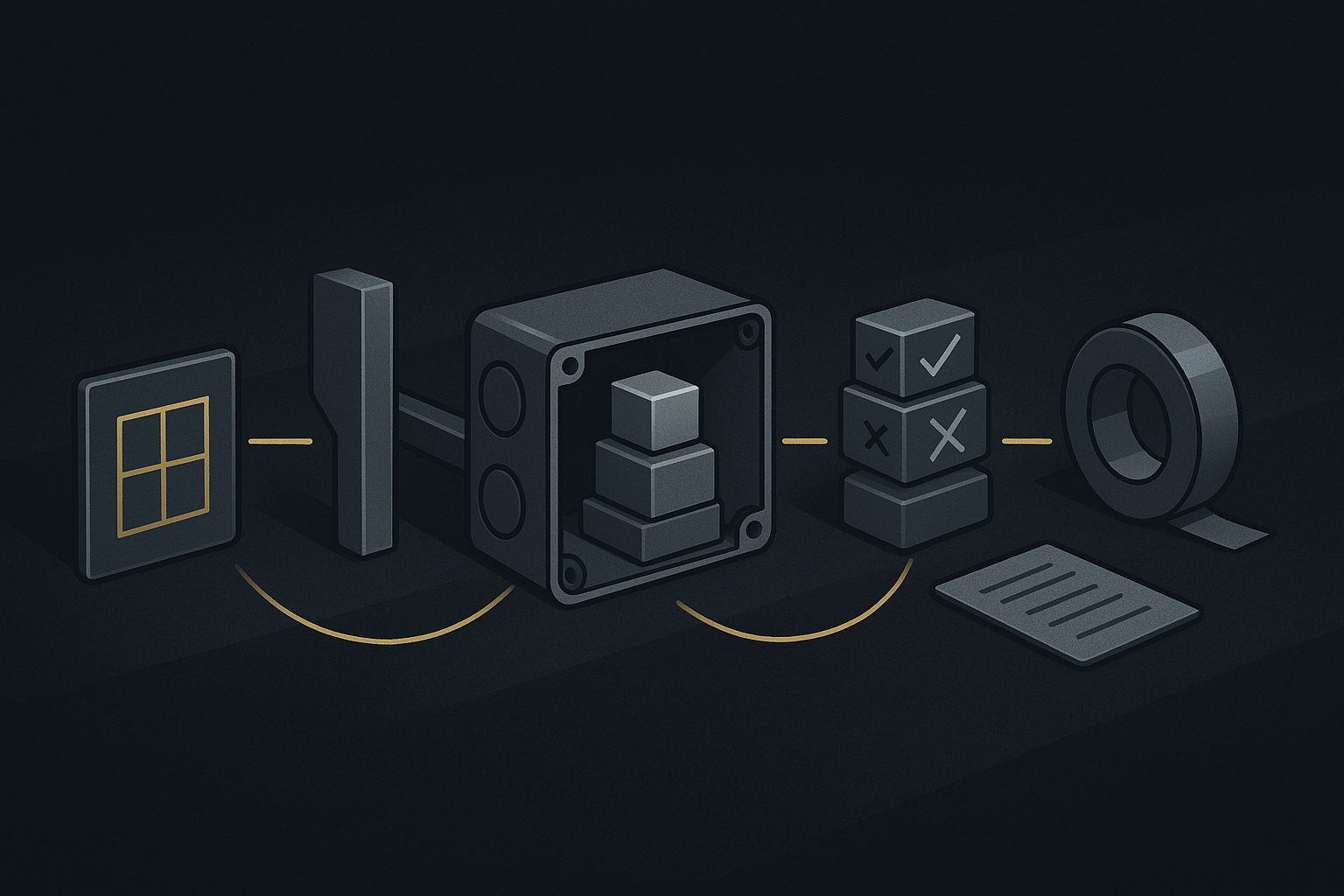
- Pick edition and units. Choose NEC 2017, 2020, or 2023, and in³ or cm³.
- Enter conductors and devices. Add AWG counts, clamps, support fittings, device yokes, and grounds. Pigtails count as zero.
- Read pass or fail. The live bar shows required volume, box volume, and spare.
- Pick a smaller box or add a ring. Walk standard Table 314.16(A) sizes, or type a stamped volume. Rings are a Pro unlock when you store them on the job.
- Save the job or export PDF (Pro). Build a room list and hand the inspector one dated schedule.
Controls are built for one-handed field use. Calculations work offline with no account.
Calculates box fill per the selected NEC edition. Local amendments may differ. Verify with your AHJ or inspector.